
Singapore eSIM & SIM Card 2026: The Complete Guide for Travellers
Everything you need to stay online in Singapore — eSIM vs SIM card, what data you need, the best providers compared, how to install it, and where to buy a local SIM at Changi.
- For most travellers a travel eSIM is the easiest choice: you buy it online before you fly, scan a QR code, and you’re connected the second you land at Changi — no queues, no swapping your physical SIM.
- Singapore has fast, nationwide 5G on all three networks (Singtel, StarHub, M1), so coverage is excellent everywhere; the only real decision is provider and how much data you need.
- eSIM prices start around US$4–5 for a few GB, with unlimited-style plans from roughly US$2–4 a day; a local tourist SIM costs from S$12 at Changi and includes a local phone number and very large data.
- A 1–3 GB plan covers light use (maps, messaging); 5–10 GB is comfortable for a typical short trip with social media and ride-hailing; heavy streamers should pick unlimited.
- Your phone must be eSIM-compatible and carrier-unlocked — most iPhones from the XS (2018) and recent flagship Androids qualify; if not, a physical local SIM works for everyone.
| Easiest option | A travel eSIM — buy online, connected on landing |
|---|---|
| eSIM price | From ~US$4–5 for a few GB; ~US$2–4/day unlimited |
| Local SIM price | From S$12 (Singtel hi!, StarHub, M1) at Changi |
| Network & speed | Nationwide 5G — among the world’s fastest |
| Data needed | 1–3 GB light · 5–10 GB for a typical trip |
| Setup | Scan a QR code; activates automatically on arrival |
| Free Wi-Fi | Wireless@SG, Changi Airport, malls & many cafes |
1. Do you need an eSIM or SIM in Singapore?
2. eSIM vs SIM card vs pocket Wi-Fi vs roaming
3. Is your phone eSIM-ready?
4. How much mobile data do you actually need?
5. The best Singapore eSIMs, compared
6. Airalo — the global default
7. Klook & KKday eSIMs — unlimited & Asia-friendly
8. Local tourist SIM cards: Singtel hi!, StarHub & M1
9. Pocket Wi-Fi: when it still makes sense
10. How to buy and install an eSIM (step by step)
11. Activating your eSIM at Changi
12. Coverage, 5G and speed in Singapore
13. Travelling beyond Singapore? Regional Asia eSIMs
14. Free Wi-Fi in Singapore
15. Which should you choose? A quick verdict
Singapore is one of the easiest places in the world to stay connected — it has some of the fastest mobile internet anywhere, blanket 5G coverage and free public Wi-Fi in many places — so the only question is how you get online, not whether you can. For most visitors the answer in 2026 is a travel eSIM: you buy a data plan online before you leave home, install it in a couple of minutes, and your phone connects to a Singapore network automatically the moment you land at Changi. But it isn’t the only option, and the best choice genuinely depends on your phone, how much data you use and whether Singapore is your only stop. This guide explains exactly how to stay online: eSIM versus a physical SIM versus pocket Wi-Fi, how to check your phone is compatible, how much data you really need, the best eSIM providers compared, step-by-step setup, where to buy a local SIM at the airport, and how it all fits with the free Wi-Fi you’ll find around the island. Pair it with our complete Singapore travel guide, our MRT & transport guide (you’ll want data for tapping in and route-planning) and our Singapore budget guide.
1. Do you need an eSIM or SIM in Singapore?
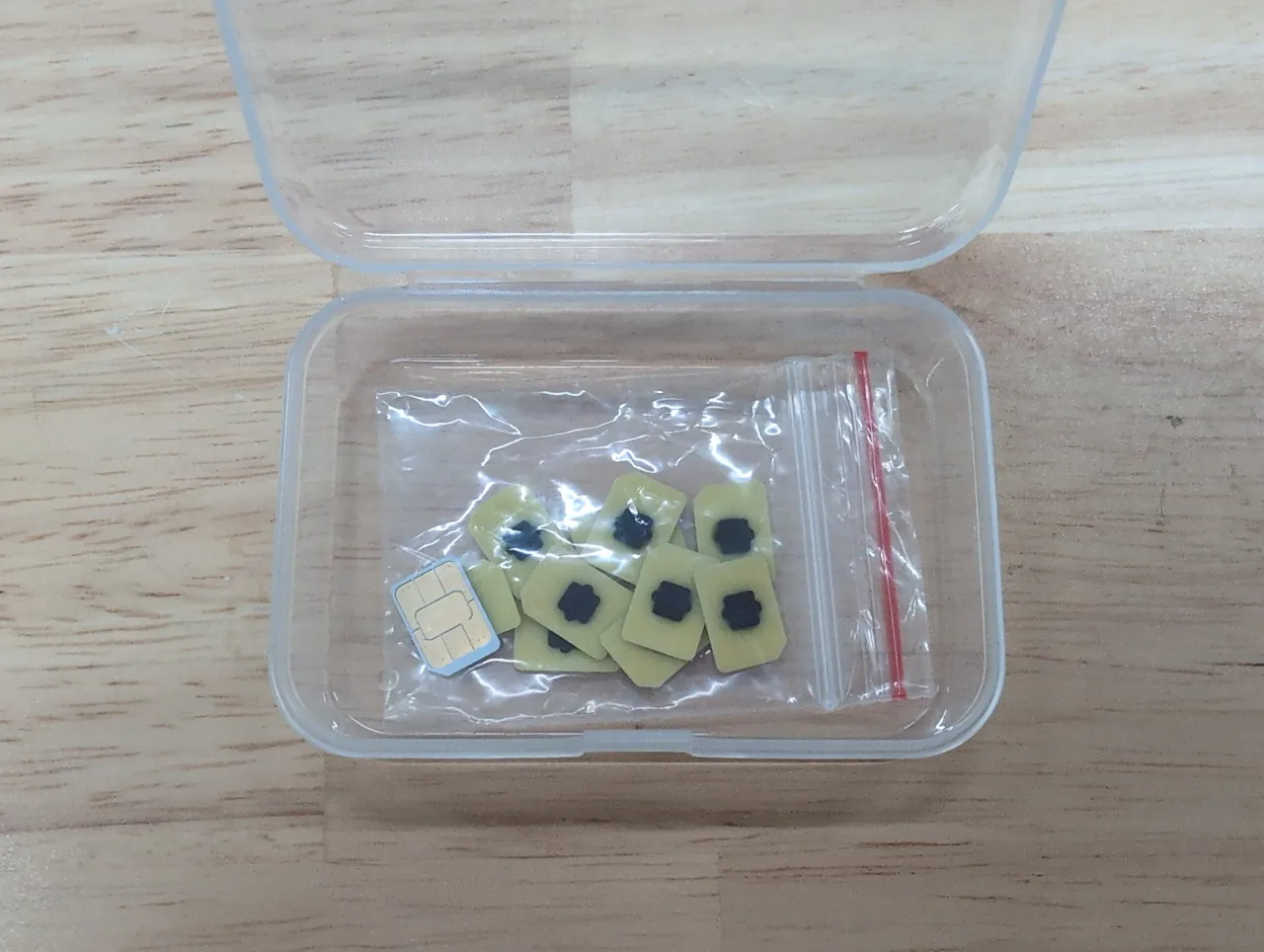
You can technically get by on free Wi-Fi alone, but having your own mobile data makes a Singapore trip dramatically smoother — and for most travellers a travel eSIM is the easiest way to get it.
Singapore is unusually well covered by free Wi-Fi: Changi Airport, almost every mall, many cafes and the government’s islandwide Wireless@SG network all offer it. But Wi-Fi is patchy the moment you step onto the street, and the things you’ll do constantly — following Google Maps to the right MRT exit, tapping into the metro, booking a Grab, checking which hawker stall has the queue, messaging your group — all work far better with always-on data. The good news is that getting connected here is cheap and quick. You have three realistic options: a travel eSIM (buy online, install before you fly), a physical local SIM (buy at the airport), or pocket Wi-Fi (a rented hotspot device). For the great majority of visitors, an eSIM is the simplest and we’ll spend most of this guide on it — but we’ll cover all three so you can choose well.
2. eSIM vs SIM card vs pocket Wi-Fi vs roaming
The four ways to get online each suit a different traveller — here’s the quick version before we go deeper.
| Option | How it works | Best for | Watch out for |
|---|---|---|---|
| Travel eSIM | Buy online, scan a QR code, online on arrival | Most travellers; solo & couples | Needs a compatible, unlocked phone |
| Local SIM card | Buy at Changi, swap into your phone | Heavy data users; want a local number | Queues; swapping out your home SIM |
| Pocket Wi-Fi | Rent a hotspot device, share it | Groups of 3+ staying together | Extra device to carry, charge & return |
| Home roaming | Use your own carrier abroad | Very short stays; total convenience | Usually the most expensive by far |
In short: roaming is the most expensive and only worth it for a brief layover or if your home plan includes cheap roaming. Pocket Wi-Fi makes sense for families or groups who stay together. For nearly everyone else, the choice is between an eSIM (most convenient) and a local SIM (best for very heavy data or if you want a Singapore number) — and that’s the decision the rest of this guide helps you make.
3. Is your phone eSIM-ready?
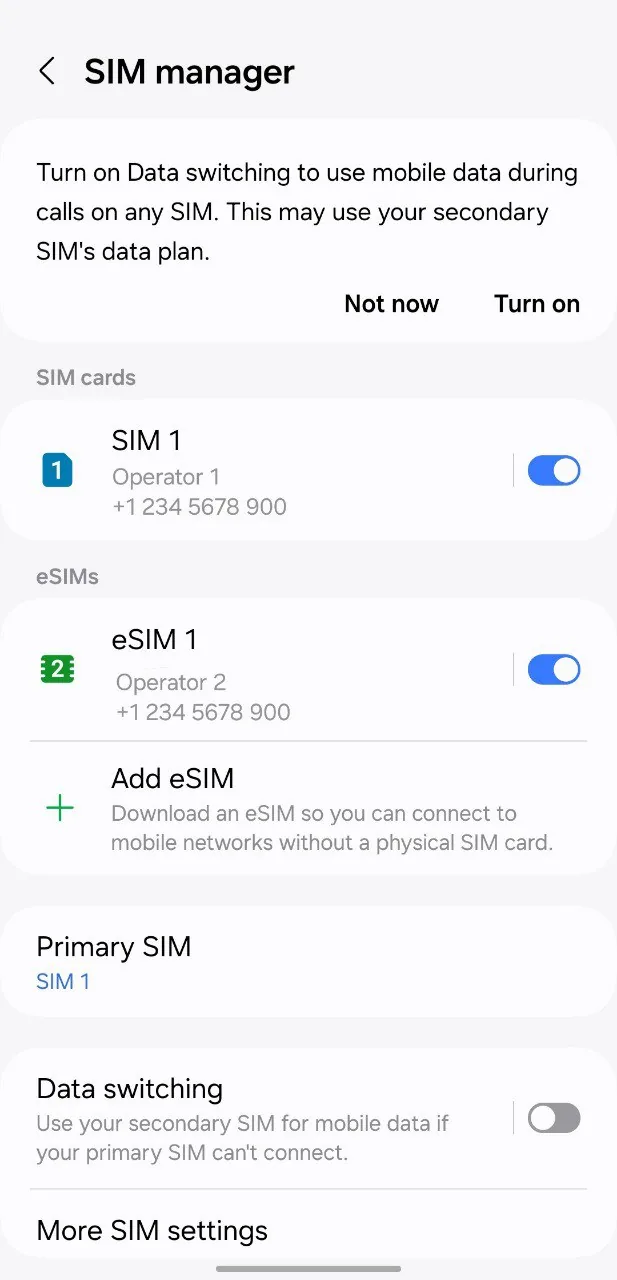
Before you buy an eSIM, check two things: that your phone supports eSIM, and that it’s carrier-unlocked.
eSIM support is standard on most phones from 2018 onwards. On iPhone, every model from the XS and XR (2018) onwards supports eSIM. On Android, supported phones include the Google Pixel 3 and later, Samsung Galaxy S20 and later (plus many S/Note/Fold/Flip and A-series models), and most current flagships from Oppo, Xiaomi, Motorola and others. The quickest check on iPhone is Settings → General → About and look for an ‘Available SIM’ or EID entry; on Android, search the settings for ‘eSIM’ or ‘Add eSIM’.
4. How much mobile data do you actually need?
Most travellers wildly overestimate how much data they need — Singapore is small, you’ll be on Wi-Fi a lot, and maps and messaging use very little.
| Usage style | What you do | Data for a 4–5 day trip |
|---|---|---|
| Light | Maps, messaging, occasional browsing, ride-hailing | 1–3 GB |
| Medium | The above + social media, photos, some video | 5–10 GB |
| Heavy | Lots of streaming, video calls, phone as hotspot | 15 GB+ or unlimited |
As a rule of thumb, Google Maps uses well under 100 MB an hour, messaging and ride-hailing are negligible, and the data hogs are video streaming and using your phone as a hotspot for a laptop. Because Singapore has so much free Wi-Fi (your hotel, malls, cafes, Changi), many travellers find 3–5 GB is plenty for a short trip. If you’ll stream a lot or tether a laptop, pick an unlimited plan instead — and remember a local SIM gives you 100 GB for S$12, which is effectively unlimited for a holiday.
5. The best Singapore eSIMs, compared
Three eSIM options cover almost every traveller: Airalo for cheap data-only plans worldwide, and Klook and KKday for unlimited daily data on Singapore’s top networks.
| Provider | Runs on | Best for | From | Get it |
|---|---|---|---|---|
| Airalo | Local partner networks | The global default; cheap data-only plans, great app | ~US$4.40 (1 GB) | Airalo → |
| Klook eSIM | Singtel | Unlimited daily data; if you already book on Klook | ~a few US$/day | Klook → |
| KKday eSIM | Singtel / StarHub | Flexible daily or total-data plans; Asia trips | ~a few US$/day | KKday → |
| Local SIM | Singtel / StarHub / M1 | Heavy data + a local number; best value per GB | S$12 (100 GB) | At Changi |
How to choose: if you want the cheapest data-only plan and already use Airalo elsewhere, start there. If you want simple unlimited daily data and like booking through travel apps, Klook or KKday are excellent and often run discounts. If you’re a very heavy user or want a Singapore phone number, the local tourist SIM is unbeatable value. All three eSIMs install the same way — buy, scan, done — and all run on Singapore’s fast networks.
6. Airalo — the global default
Airalo is the world’s biggest travel-eSIM store and the safe default if you just want cheap, simple data and a polished app you might reuse on future trips.
Airalo’s Singapore plans are data-only and start at around US$4.40 for 1 GB, rising through mid-size plans (its 20 GB plan is often the best value at around US$19–22) to larger and longer options. There’s no phone number or SMS — like all travel eSIMs it’s data only — but you can call and message over WhatsApp, iMessage, Telegram and the like. The big advantages are the slick app (you manage and top up plans in seconds), worldwide coverage in 200+ countries on one account, and frequent first-purchase discounts. If you also plan to visit other countries, Airalo’s regional Asialink plan covers much of Asia on a single eSIM.
7. Klook & KKday eSIMs — unlimited & Asia-friendly
If you’d rather have simple unlimited daily data on Singapore’s top networks — and especially if you already book attractions on Klook or KKday — their eSIMs are a great, often-discounted choice.
Klook’s Singapore eSIM runs on Singtel and is sold as unlimited high-speed data for a set number of days, which keeps things simple — you never have to think about gigabytes. KKday’s Singapore eSIM offers both per-day and total-data plans on Singtel/StarHub 5G, so you can match it to a light or heavy trip. Both deliver the QR code by email or in the app, both install in minutes, and both frequently run promotions — worth comparing against Airalo at the time you book. They’re also handy if you’re combining Singapore with the rest of the region, as each sells multi-country Asia eSIMs too.
Because these are the same companies you’ll likely use to book tickets for Universal Studios, the Zoo or the cable car, keeping your eSIM and your attraction bookings in one app is genuinely convenient.
8. Local tourist SIM cards: Singtel hi!, StarHub & M1
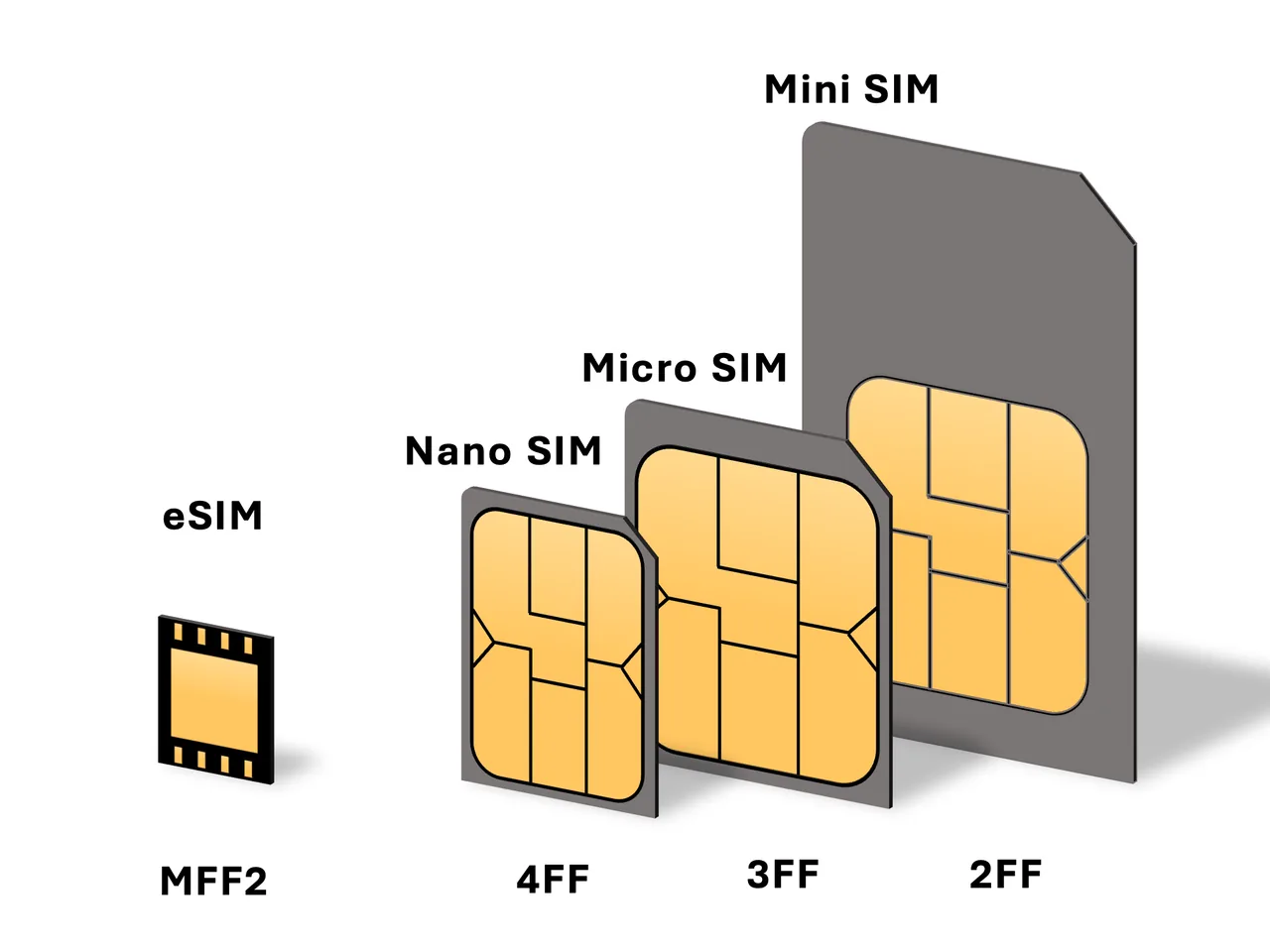
If your phone can’t do eSIM, you want a local phone number, or you’re a very heavy data user, a physical tourist SIM bought at Changi is brilliant value — think 100 GB for S$12.
| Plan | Data | Validity | Price |
|---|---|---|---|
| Singtel hi! Tourist (4G) | 100 GB + 3 GB roaming | 14 days | S$12 |
| Singtel hi! Tourist (5G) | 100 GB + 5 GB roaming | 28 days | S$30 |
| StarHub 5G Tourist Core | Large 5G data bundle | ~14 days | S$15 |
| M1 Tourist (4G) | 100 GB | 15 days | S$12 |
All three carriers sell tourist SIMs (and increasingly their own eSIM versions) in the Changi arrival halls — at Changi Recommends counters, Cheers and 7-Eleven stores and telco kiosks — and you’ll need your passport to register. The data allowances are enormous compared with travel eSIMs, and you get a Singapore phone number, which is occasionally useful for local bookings. The trade-offs are the queue on arrival and having to remove your home SIM (keep it somewhere safe). Prices and exact bundles change, so treat the table as a 2026 guide rather than a quote.
9. Pocket Wi-Fi: when it still makes sense
Pocket Wi-Fi — a small rented hotspot that shares one connection across several devices — has largely been overtaken by eSIMs, but it still suits one situation: groups.
If you’re travelling as a family or group of three or more who will mostly stay together during the day, a single pocket Wi-Fi device can be cheaper per person and means nobody needs a compatible phone. You can rent one to collect at Changi or have it delivered. The downsides are real, though: it’s another gadget to carry and charge (and its battery often dies by late afternoon), everyone has to stay near it to get signal, and you have to return it before you fly home. For solo travellers and couples, an eSIM wins on every count — lighter, cheaper and nothing to give back.
10. How to buy and install an eSIM (step by step)
Installing an eSIM takes about two minutes — and the golden rule is to do it on Wi-Fi before you leave home, not after you land.
- Buy your plan online from Airalo, Klook or KKday and pick your data size and number of days.
- Get your QR code — it arrives by email or appears in the provider’s app.
- Add the eSIM on your phone while on Wi-Fi: on iPhone go to Settings → Cellular → Add eSIM; on Android Settings → Network & internet → SIMs → Add eSIM, then scan the QR code.
- Label it ‘Singapore’ so you can tell it apart from your home line.
- Set it as your data line, keep your home SIM for calls/texts, and turn off data roaming on your home SIM so you’re never charged.
- Turn on data roaming for the eSIM — this sounds wrong but is normal and required for travel eSIMs to work abroad.
11. Activating your eSIM at Changi
For most travellers the eSIM ‘just works’ the moment the plane lands and you switch off airplane mode — but here’s exactly what to expect.
When you arrive at Changi and turn off airplane mode (or restart your phone), your installed Singapore eSIM connects to its local network and the plan begins. Check that the eSIM is selected as your data line and that data roaming is on for that eSIM, and you should see a Singapore network name and a 5G or 4G icon within a minute or two. If nothing happens, toggle airplane mode on and off, or restart the phone — that resolves almost every case. Because Changi has excellent free Wi-Fi, you can always complete setup or troubleshoot before you even reach the MRT or taxi queue. Once you’re online, you’re ready to tap into the metro and navigate straight to your hotel — see our Changi Airport guide for getting into the city.
12. Coverage, 5G and speed in Singapore
Whatever you choose, you’ll get fast, reliable data — Singapore has some of the best mobile coverage on the planet.
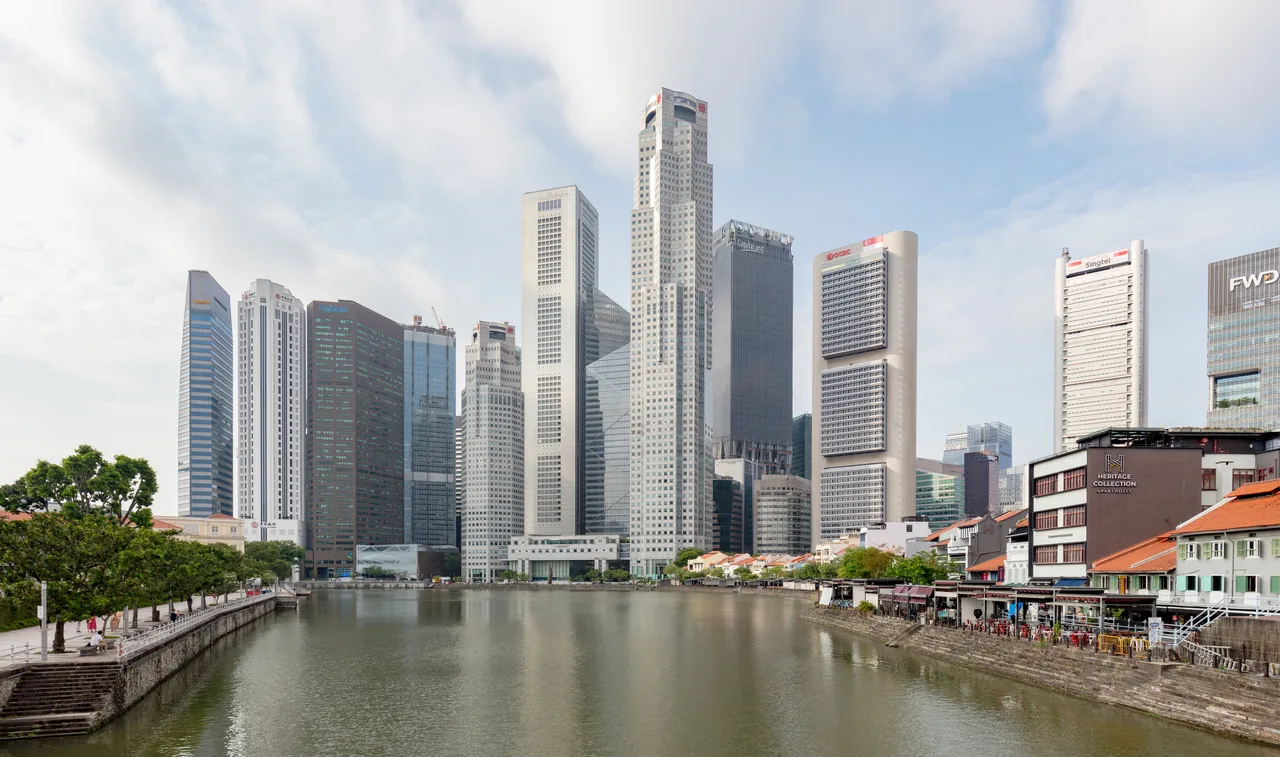
All three networks — Singtel, StarHub and M1 — run nationwide 5G, and Singapore regularly ranks among the world’s top few countries for mobile internet speed. Coverage is genuinely everywhere: across the whole island, deep underground on the MRT, inside malls and even out on Sentosa. eSIMs from Airalo, Klook and KKday all ride on these same networks, so you’re not sacrificing speed by choosing an eSIM over a local SIM. In practice this means smooth maps, instant ride-hailing, easy video calls home and fast enough data to use your phone as a hotspot if you need to work — there’s simply no ‘dead zone’ problem to plan around in Singapore.
13. Travelling beyond Singapore? Regional Asia eSIMs
If Singapore is one stop on a bigger Asia trip — or you’re popping over to Malaysia or Indonesia for a day — buy a regional eSIM instead of a Singapore-only one.
Airalo (its Asialink plan), Klook and KKday all sell Southeast Asia and Asia-wide eSIMs that cover Singapore plus Malaysia, Thailand, Indonesia, Vietnam, the Philippines and more on a single plan. That’s ideal if you’re island-hopping the region, or even just doing a day trip to Johor Bahru in Malaysia or Bintan in Indonesia, where a Singapore-only plan would stop working the moment you cross the border. A regional plan costs a little more per gigabyte than a single-country one, so only choose it if you’ll actually use more than one country — otherwise stick with a cheaper Singapore plan and add a separate eSIM if you take a side trip.
14. Free Wi-Fi in Singapore
Singapore’s free Wi-Fi is genuinely useful as a backup and for heavy downloads — but it’s no substitute for always-on mobile data when you’re out and about.
The government’s Wireless@SG network offers free Wi-Fi at thousands of hotspots across the island — libraries, community centres, many malls and public areas — and you’ll also find free Wi-Fi at Changi Airport, in nearly every shopping centre, and in most cafes and restaurants. It’s perfect for downloading maps and shows at your hotel, making video calls, or saving data on big updates. But Wi-Fi disappears the second you’re walking between places, hailing a Grab or finding an MRT exit — exactly when you need connectivity most. The sensible approach is to use your eSIM or SIM as your everyday connection and lean on free Wi-Fi for the data-heavy extras. For tighter budgets, our Singapore budget guide has more ways to keep costs down.
15. Which should you choose? A quick verdict
Most travellers should just buy a travel eSIM before they fly — but here’s the honest, situation-by-situation call.
- Solo traveller or couple, modern phone: a Airalo, Klook or KKday eSIM — buy online, connected on landing. The default for most people.
- Very heavy data user, or want a local number: a local tourist SIM (Singtel hi!, StarHub or M1) at Changi — 100 GB for S$12 is unbeatable.
- Group or family of 3+ together all day: consider pocket Wi-Fi, or one local SIM with hotspot.
- Older or carrier-locked phone: a physical local SIM, which works in any unlocked phone.
- Visiting several Asian countries: a regional Asia eSIM from Airalo, Klook or KKday.